Minimum viable inventory management
using Apple Notes to manage supermarket orders 2025-12-09 #product
Previous articles in this series describe home inventory management, add details, and discuss tooling. This article shows my minimum-viable solution using Apple Notes.
The shopping list
My home inventory management solution consists of a single shopping list, in Apple Notes:
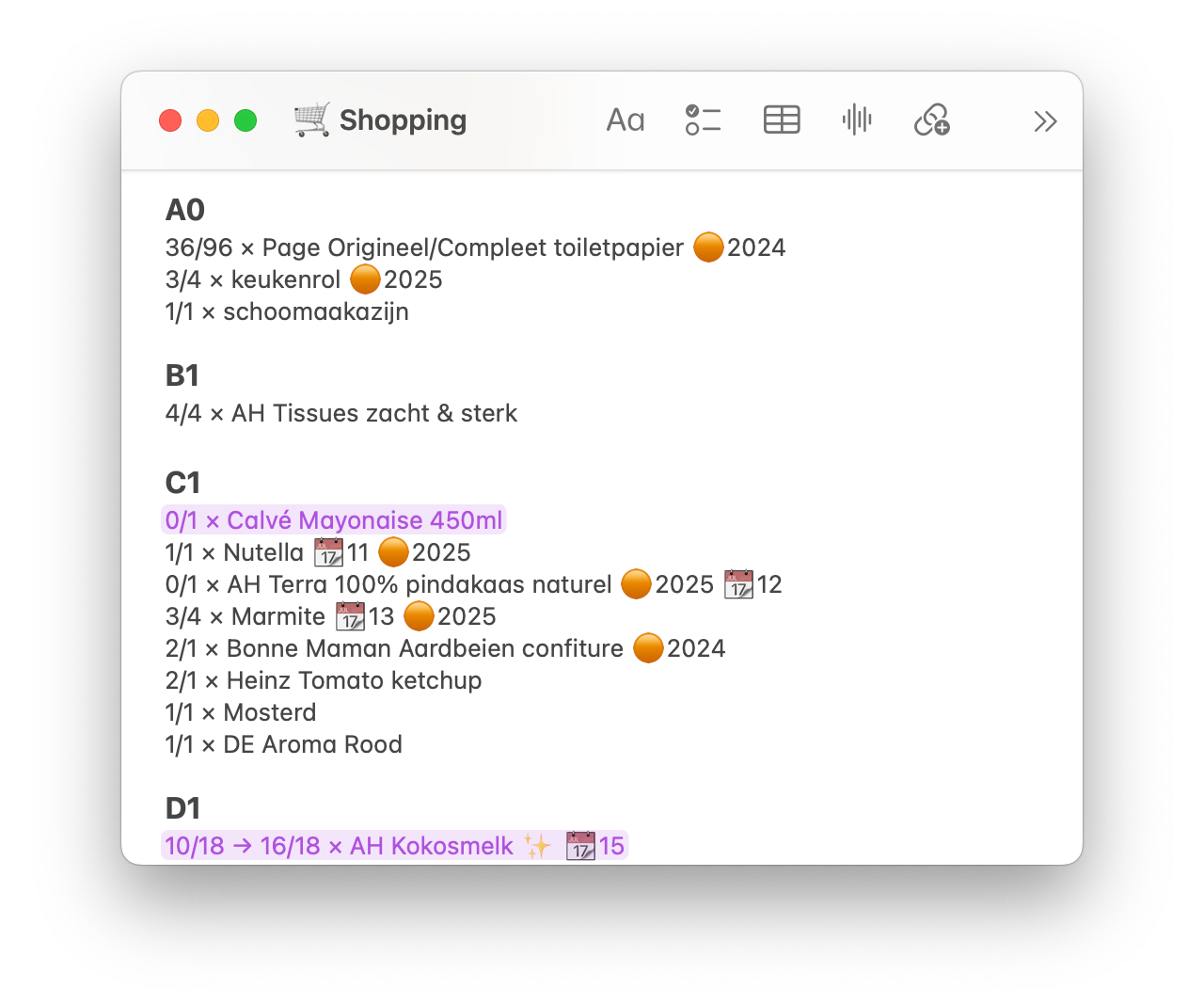
This illustrates how the note uses one line per product, for the following data.
| Example | Description |
|---|---|
| A0 | shelf location, formatted as a heading |
| 3/4 | 3 actual inventory and 4 maximum inventory |
| → 16/18 | 16 expected inventory (after next delivery) |
| keukenrol | Product name (kitchen roll), in Dutch |
| 🟠2025 | last discount in 2025 |
| 📆11 | 11 months’ shelf life, from delivery date |
| ✨ | Frequently-used product, suitable for stocking up |
The ad hoc purple highlights manually indicate changes. For example:
- the next order will include 1 jar of mayonnaise (C1), which has zero actual inventory
- the last order included 6 packs of coconut milk (kokosmelk, D1), which has 16 expected inventory.
The multiplication symbol (×) acts only as a visual separator. Standard keyboards only include the plus sign (+), and only the division sign (÷) gets a macOS keyboard shortcut (Option-/), so I configured a text replacement to replace *** with × on macOS and iOS.
Mobile client
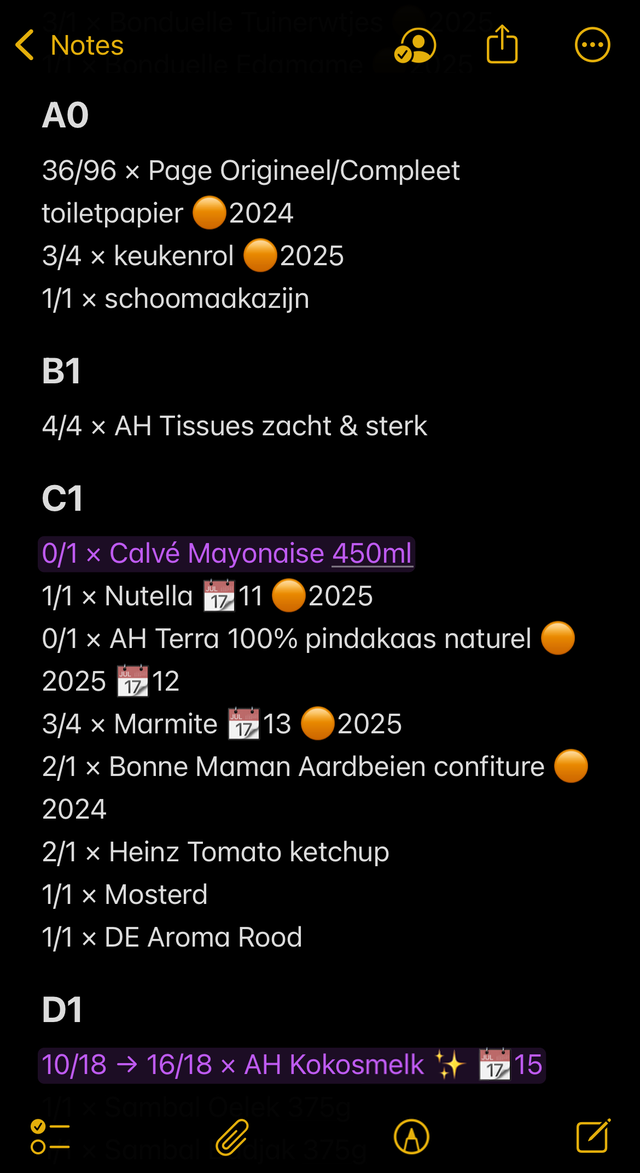
Apple Notes has a killer feature for tracking stock levels: automatic synchronisation between desktop and mobile devices, via iCloud. The screenshot (right), shows the iOS version of Apple Notes on iPhone (where I use dark mode).
The ordering process describes how I use my phone in the storeroom to look at the shelves and update inventory levels, and then my desktop computer (in another room) to look at inventory levels and place orders. This saves me installing webcams in the storeroom, fridge and freezer.
The text editing experience works well enough, and avoids fiddly spreadsheet cell editing. I don’t usually need to use the option to search for text within the note, because the large headings for the shelf locations make it easy to browse.
I can, however, think of ways to improve the user experience. A different kind of application could make editing more convenient, provided that its mobile client syncs with desktop and has good enough UX.
UX opportunities
During the ordering process, editing text sometimes feels like a compromise:
- editing text to decrement stock levels, on a phone in the storeroom
- browsing only out-of-stock items
- browsing never-discounted products
- updating actual inventory from expected inventory, after a delivery
A more graphical user interface could support these actions more directly:
- plus/minus buttons to adjust stock levels
- filter views for out-of-stock and never-discounted products
- action buttons to mark products as not delivered or all delivered, to update actual inventory and clear expected inventory.
These improvements don’t necessarily require custom software.
Business software alternatives
My domestic inventory management story has a moral for B2B software product development. B2B SaaS products compete with spreadsheets and rich text documents, before they compete with each other. And while these competing software tools have more complexity than Apple Notes, they have room for improvement in the same direction.
Structured data models and ‘proper databases’ don’t in themselves make B2B SaaS products better than ad hoc solutions. If anything, their web user interfaces prevent data portability. Instead, better software incorporates a better user experience, based on the user journeys and business processes that determine where and how people use it.

